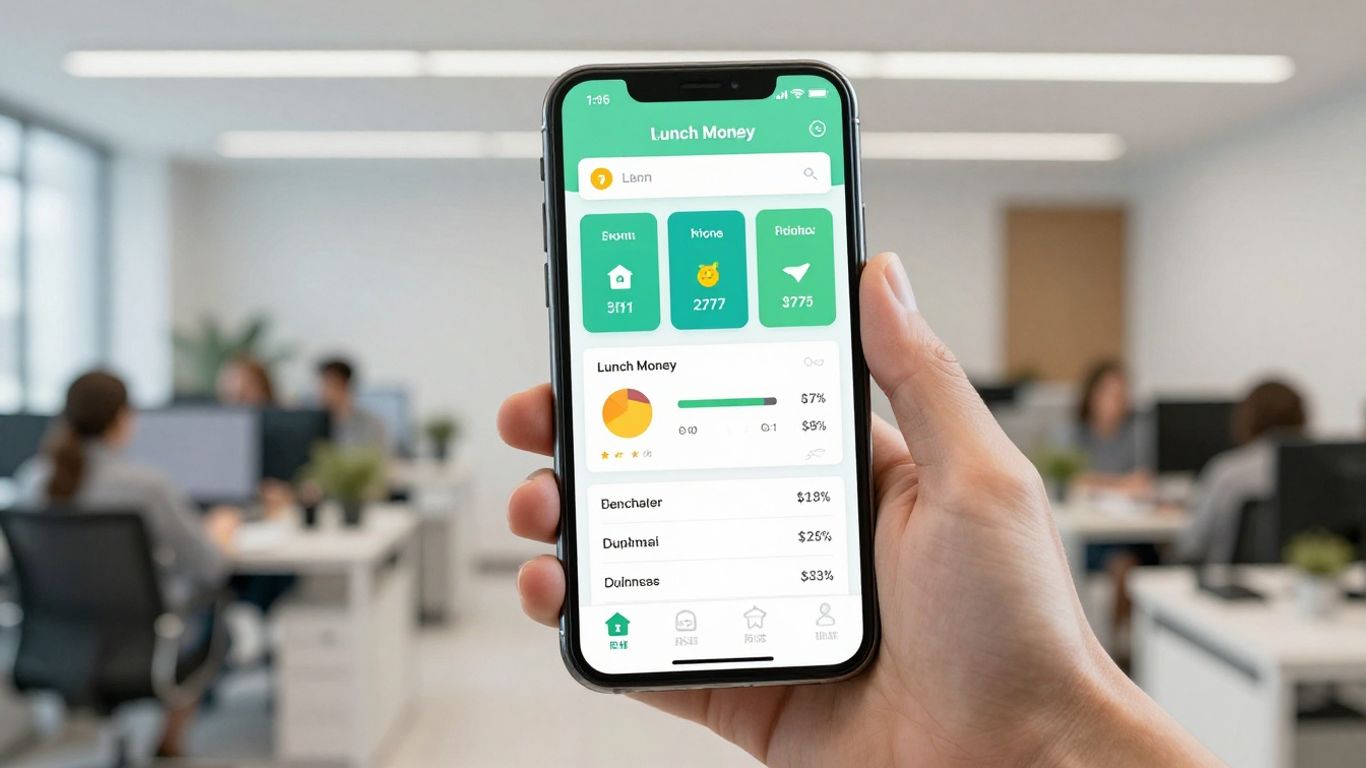
Trying to get a handle on your money can feel like a puzzle sometimes. You look at all your accounts, your bills, and your spending, and it's hard to see the whole picture. That's where tools like the Lunch Money App come in. We've been looking into this app to see if it really helps people understand where their money is going and how to manage it better. Let's break down what the Lunch Money App is all about.
Key Takeaways
- The Lunch Money App offers a clear way to see all your financial information in one place, helping you understand your spending habits.
- It has some cool features like showing your money in different currencies and even tracking cryptocurrency, which is pretty unique.
- You can customize how you budget and see your spending patterns, making it easier to manage your money your way.
- While there's a cost involved, the app offers a free trial, and there are different payment options, including a sliding scale to make it more affordable.
- Lunch Money has good support through its knowledge base, a community forum on Discord, and direct customer service if you need help.
Understanding The Lunch Money App
What Is Lunch Money?
Lunch Money is a finance tool designed to give you a clear picture of where your money is going. It's built with a focus on simplicity, aiming to make managing your finances less of a chore. Think of it as a digital notebook for your money, but way smarter. It helps you see your spending habits, organize your accounts, and generally get a better handle on your financial life. It’s a web-first platform, meaning it works best on your computer, but there’s also a mobile app for on-the-go checks.
Key Aspects Of The Lunch Money App
Lunch Money focuses on a few core ideas to help you manage your money:
- Getting a broad view: It helps you see all your accounts in one place so you know your overall financial standing.
- Spotting spending patterns: You can easily see where your money is going, which helps you understand your habits.
- Simplifying your money: It aims to cut down on the complexity of tracking expenses and budgets.
- Boosting financial awareness: By seeing your money clearly, you can make better decisions.
Lunch Money's Core Functionality
At its heart, Lunch Money is about making your financial data easy to understand. You can connect your bank accounts and credit cards to get a consolidated view. The app then helps you sort through your transactions, allowing you to categorize them, add notes, and even tag them for better organization. This makes it easier to see exactly what you're spending money on. For example, you can use the Transactions page to filter your spending and see how much you spent on groceries last month versus dining out. It also helps you build a budget by letting you set spending limits for different categories and tracks your progress against them. If you're looking to get started with setting up your accounts, there's a helpful guide available to walk you through the onboarding process.
The app is particularly good at showing you trends over time. You can look at charts and graphs to see how your spending has changed month-to-month or year-to-year. This visual approach makes it much easier to spot areas where you might be overspending or where you could potentially save money.
Exploring Lunch Money's Standout Features
Intuitive Data Visualization
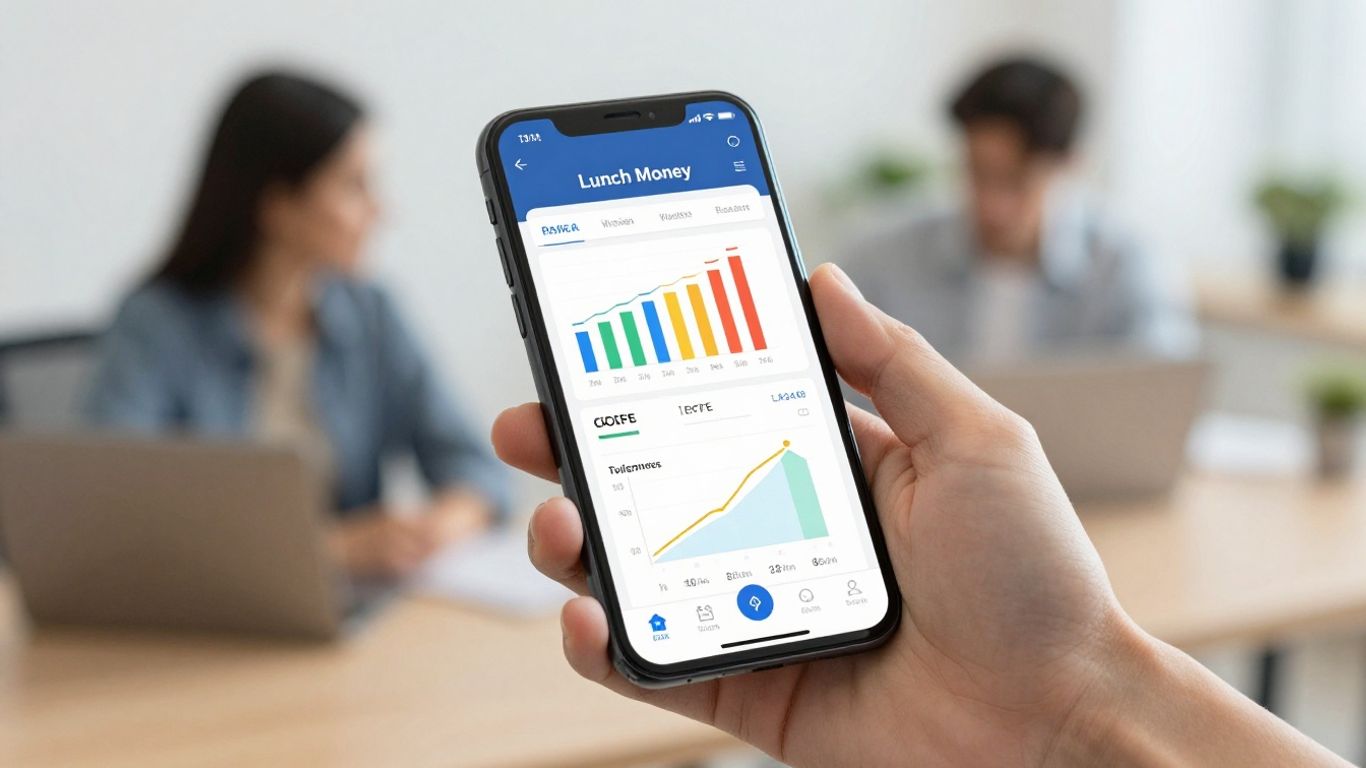
Tracking your money is pointless if you can't actually make sense of it. That’s where Lunch Money steps ahead of the pack. When you log in, you get options—maybe you like to see your spending as a pie chart, or maybe bar graphs just make more sense. Tables are an option too, for folks who just want the numbers lined up. There’s something for everyone.
- View stats and trends over time with flexible date filters
- Spot your largest spending categories with a glance
- Quick toggles between chart and table modes
If you want your finances laid out in a way that actually clicks, the Stats & Trends tab is a real draw with this platform.
Global Currency Support
Dealing with multiple currencies can be a headache, but Lunch Money cleans up the chaos for you. The app supports around 90 different currencies. Just set a primary currency, log incomes and expenses in any currency you use, and everything is converted on the fly. Digital nomads and frequent travelers find this invaluable.
- Automatic currency conversions
- Track assets abroad and at home
- All budgets summarized in your home currency
The global appeal of this feature is clear when stacked against competitors, as users praised multi-currency support in comparison to other apps.
Seamless Collaboration Features
Managing money often isn’t a solo job. If you ever tried sharing a budget with a partner or splitting expenses in a group, you know the drill—lots of apps don’t make it easy. Lunch Money does. You can invite others on your plan with no extra fee—just send them access. Now you’re budgeting together in real time.
- Share your financial plan with a partner or housemate
- Real-time updates for everyone
- No extra cost for collaboration
This helps folks who might keep certain finances separate but still want to team up for shared expenses. For more insight, join their growing tight-knit app community, which often discusses joint budgeting.
Integrated Crypto Tracking
Cryptocurrency is everywhere now, and more people want a clear picture of how crypto tied to their net worth. Lunch Money pulls this off by letting you link accounts from big exchanges and wallets, like Coinbase, Binance, or Kraken. That way, you catch crypto’s ups and downs in your main dashboard.
It’s the first tool of its kind to blend personal finance tracking and crypto in one place. Here’s what crypto support looks like at a glance:
| Exchange/Wallet | Supported? |
|---|---|
| Coinbase | Yes |
| Coinbase Pro | Yes |
| Binance | Yes |
| Kraken | Yes |
| Ethereum wallets | Yes |
You’ll always know just how much crypto is affecting your bottom line, and you don’t need a separate tracker to do it.
Navigating The Lunch Money User Experience
So, you've decided to give Lunch Money a whirl. That's great! The first thing you'll probably notice is how straightforward it is to get around. It doesn't feel like you need a degree in finance to figure it out, which is a huge plus.
Ease Of Transaction Management
Handling your transactions is pretty simple. When you link your accounts, Lunch Money pulls in your spending history. You can then go through and categorize each one. If you're on the go, the mobile app is handy for quick edits. You can swipe through transactions, add notes, or tag them right from your phone. It's not the full desktop experience, but for quick checks and updates, it works well. The ability to manage transactions easily, whether at your desk or on the move, really makes a difference.
Budgeting And Category Customization
Setting up a budget in Lunch Money is also quite flexible. You start with a bunch of pre-set categories, which is a good starting point. But the real magic happens when you customize them. You can add your own categories, rename existing ones, and really tailor the budget to how you actually spend money. This level of personalization means your budget actually reflects your life, not some generic template. It’s about making your money management plan work for you, not the other way around. You can even set up recurring expenses so the app keeps tabs on them automatically.
Analyzing Spending Patterns
This is where Lunch Money really shines. Once your data is in there, the app does a great job of showing you where your money is going. The 'Stats & Trends' tab is your best friend here. You can look at your spending in different ways – maybe you prefer a pie chart, or perhaps a simple table makes more sense. It helps you spot patterns you might not have noticed otherwise. For instance, you can filter your spending by date or category to get a clearer picture. It’s a really effective way to understand your financial habits better and make adjustments if needed. This is a key part of building better financial habits, and Lunch Money makes it accessible. You can get a big-picture view of your finances and identify spending habits without too much fuss. If you're looking for a tool to help you clarify your financial situation, this is a solid option.
The app's focus on clear data presentation means you're not just looking at numbers; you're seeing insights. It's designed to help you understand your money without feeling overwhelmed. The web app is the main hub for detailed analysis, but the companion mobile app (c96d) is great for quick checks and on-the-fly updates.
Evaluating The Lunch Money App's Value
When you're looking at any new app, especially one that handles your money, the cost is always a big question. Lunch Money isn't free, but it does offer a few different ways to pay, which is pretty neat. The pricing is structured as a sliding scale, letting you choose what you can afford.
Subscription Costs and Options
Lunch Money has a couple of payment plans. You can go with a monthly subscription, which costs $10 a month. Or, you can opt for an annual plan. The annual plan is where the sliding scale comes in. You can start paying as little as $50 per year. This basic tier gets you all the features, access to their Discord community, and even a spot in their beta testing group. If you want to help keep the app running smoothly and ad-free, paying $100 or more annually is encouraged. For those who really love the app, a $150 annual payment gets you a swag box.
The Free Trial Period
Before you commit to any of these plans, Lunch Money gives you a 30-day free trial. This is a good chunk of time to really get a feel for the app and see if it fits your financial tracking style. You can connect your accounts, set up budgets, and play around with all the features without spending a dime. It’s a solid way to test the waters and make sure it’s the right fit before you open your wallet. You can start your free trial on their website.
Understanding The Pricing Model
The sliding scale for the annual subscription is a really interesting approach. It means that people with different budgets can still access the same powerful tools. The idea is that users who can afford to pay more help support the platform, keeping it sustainable and free from ads for everyone. It's a community-driven model that feels pretty fair. You get access to a robust financial tool, and your payment helps maintain its quality and availability. It’s a nice change from the usual one-size-fits-all pricing you see everywhere else.
The app's pricing model is designed to be flexible, allowing users to contribute based on their ability while still getting full access to all features. This approach aims to make advanced financial tracking accessible to a wider audience.
Here's a quick look at the annual options:
| Tier | Cost (Annual) | Benefits |
|---|---|---|
| Basic | Starting at $50 | All features, Discord access, Beta testing access |
| Supporter | $100+ | All Basic benefits, helps keep app ad-free |
| Enthusiast | $150 | All Supporter benefits, plus a Lunch Money swag box |
It's worth noting that the mobile app is a companion to the main web application, which is where most of the detailed analysis happens. But for on-the-go transaction management and quick checks, the mobile app is quite handy. Many users find the web-first experience to be a strength, allowing for more in-depth financial review on a bigger screen.
Overall, the value you get from Lunch Money really depends on how much you use its features. For someone managing multiple currencies or complex budgets, the cost is quite reasonable compared to other tools that might not offer the same level of detail or flexibility, especially for international finances. The app is also praised for its stability and ease of use, making it a strong contender in the personal finance space.
Assessing Lunch Money's Support And Community
When you're managing your money, having good support is pretty important, right? Lunch Money actually does a decent job here, offering a few different ways to get help or connect with others. It's not just about the app itself; it's about feeling like you've got backup if something pops up.
Comprehensive Knowledge Base
First off, they have this thing called a Knowledge Base. Think of it like a big FAQ section, but way more organized. You can find answers to a lot of common questions without even having to ask anyone. It's broken down into sections like "Getting Started" and "Migrating from Mint," which is helpful if you're switching over from another app. There's a search bar too, which usually gives you a quick summary and points you to more detailed info. It's a solid first stop for most issues.
Engaging With The Discord Community
If you're the type who likes talking to other people who use the app, Lunch Money has a Discord server. It's a pretty active place where users chat, help each other out with problems, and even talk about new ideas for the app. It's a good way to get a feel for what other users are experiencing and to share your own thoughts. You can join this community whether you're paying for the app or just on the free trial.
Direct Customer Support Channels
Sometimes, you just need to talk to a real person. For those times, you can shoot an email to their support team at [email protected] They'll look into your issue and get back to you. If you're having trouble with your bank account not showing up, they'll work with Plaid, the service they use, to figure out what's going on [b8f2]. It's good to know there's a direct line if the self-help stuff doesn't cut it.
It's reassuring to know that even with a relatively new app like Lunch Money, there are established channels for help. This isn't just a solo project with no safety net; there's a system in place for users who need assistance or want to connect with the broader user base.
Comparing Lunch Money To Alternatives
So, you're looking at Lunch Money, but maybe you're wondering how it stacks up against other apps out there. It's a good question to ask, right? You don't want to jump into something only to find out a competitor does a much better job for your specific needs. Let's break down a few of the big names you might be considering.
Key Differences With Simplifi
Simplifi, which comes from the folks who make Quicken, is another app that aims to simplify your financial life. It's pretty good at getting a budget set up quickly, and it handles transaction management and planned spending really well. One thing Simplifi has over Lunch Money is its mobile access. If you're someone who likes to manage your money on the go, Simplifi might have an edge there. It's also known for being quite affordable, often running sales that make its annual subscription even less than $50. While Lunch Money is a web-first platform, Simplifi offers that mobile convenience.
Monarch As A Competitor
Monarch is another strong player in this space. It's designed to give you a really clear, big-picture view of your finances. People often use it for setting long-term goals and just generally keeping an eye on their overall financial health. It's also a popular choice for couples or families who need to share financial data and track things together. Financial pros are starting to use Monarch with their clients too, which says something about its capabilities. If you're looking for a tool that handles joint finances well, Monarch is definitely worth a look.
Understanding The YNAB Comparison
Then there's YNAB (You Need A Budget). It's kind of the elephant in the room for budgeting apps, isn't it? YNAB is famous for its specific budgeting philosophy – giving every dollar a job. It really pushes you to be intentional with your money, helping you identify true expenses and track your spending closely. You can also analyze how long you've had your money (age of money) and keep a close watch on overspending. While Lunch Money focuses on a broader view and ease of use, YNAB is more about a strict budgeting method. Many users find YNAB's approach takes some getting used to, but it can be incredibly effective for those who commit to it. If you're looking for a more structured, hands-on budgeting system, YNAB is a major contender. You can find a good overview of various budgeting apps, including Lunch Money, to help you decide which app is best.
When choosing a budgeting app, think about what matters most to you. Is it ease of use, specific budgeting methods, mobile access, or features like crypto tracking? Each app has its strengths, and the 'best' one really depends on your personal financial habits and goals.
It's a crowded market, for sure. But knowing these differences can help you pick the app that actually fits your life, not the other way around. For a simple, modern approach, Lunch Money has a lot going for it, especially if you appreciate its focus on data visualization and privacy. But if you need robust mobile features or a very specific budgeting system, you might lean towards Simplifi or YNAB, respectively. And for shared finances, Monarch is a solid option.
Security And Data Privacy With Lunch Money
When you're handing over your financial information, you want to know it's safe, right? That's a totally fair concern. Lunch Money takes security and your privacy pretty seriously. They've put some measures in place to keep your data protected.
How Your Information Is Protected
First off, Lunch Money is pretty clear about what they do with your data. They state that your information is never sold to third parties for profit. This is a big deal because, let's be honest, nobody wants their personal financial details being shopped around. They also mention that data is encrypted when it's sent back and forth, which is standard practice but good to hear nonetheless. The app collects basic info like app performance data, but it's all about keeping things secure during transit. You can find more details about their privacy policy on their website, which is always a good idea to check out. It outlines the personal information, such as contact details like name and email address, that users may be asked to provide when using the services.
Two-Factor Authentication Options
To add an extra layer of security, Lunch Money offers two-factor authentication (2FA). This means that even if someone somehow got your password, they still wouldn't be able to get into your account without a second form of verification, usually a code sent to your phone. It's a simple step that makes a huge difference in account security. Setting this up is usually pretty straightforward within your account settings.
Lunch Money's Data Sharing Policy
Lunch Money's policy is pretty straightforward: they don't sell your data. This is a key differentiator for them. They aim to be transparent about how your information is handled. While they do collect certain data types for app functionality and performance, the core principle is that your personal financial data isn't being shared with outside companies for marketing or other purposes. It's all about keeping your financial picture private to you.
It's always a good idea to review any app's privacy policy before signing up. Lunch Money provides a clear policy that explains how they handle user data, which is reassuring for anyone concerned about their financial information.
Wrapping Up Lunch Money
So, after looking at everything, Lunch Money seems like a pretty solid choice for keeping tabs on your money. It’s not free, which is something to think about, but the yearly cost is pretty flexible, starting at just $50. Plus, they’ve got this really helpful support system, including a Discord group where you can chat with other users. It’s still kind of new compared to some other apps out there, but it’s been around since 2019, so it’s not exactly a baby anymore. If you're looking for a straightforward way to see where your money is going and maybe get a handle on your spending, Lunch Money is definitely worth checking out. They even let you try it for 30 days without needing a credit card, which is a nice bonus.
Frequently Asked Questions
What exactly is the Lunch Money app?
Lunch Money is a cool app that helps you keep track of all your money stuff. It's like a digital notebook for your income and spending, making it super easy to see where your money goes and how you're doing with your budget.
Can I use Lunch Money if I have money in different currencies?
Yes, you totally can! Lunch Money is awesome because it supports lots of different currencies, so if you're traveling or dealing with money from other countries, it can handle it all and show you the total in your main currency.
Is Lunch Money good for tracking crypto?
It sure is! Lunch Money is one of the first apps to let you connect your crypto accounts. This means you can see how your digital money is doing right alongside your regular bank accounts, giving you a full picture of your wealth.
How much does Lunch Money cost?
Lunch Money has a subscription fee, but they offer a 'pick your price' annual plan that starts pretty low, making it affordable. They also give you a 30-day free trial so you can try it out before you commit.
What if I need help using Lunch Money?
No worries! Lunch Money has a really helpful section with answers to common questions, kind of like a big instruction manual. You can also join their online community group called Discord to chat with other users or ask for help. If you still need more, you can email their support team directly.
Is my financial information safe with Lunch Money?
Yes, your data is kept safe. Lunch Money doesn't store your bank login details, and they protect your information. You can even add an extra layer of security with two-factor authentication, which is like a secret code to get into your account.
Written by: Seeking Retirement